Password Reset
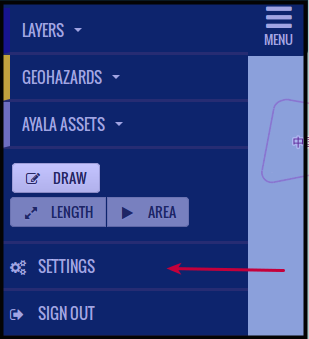
Press Settings
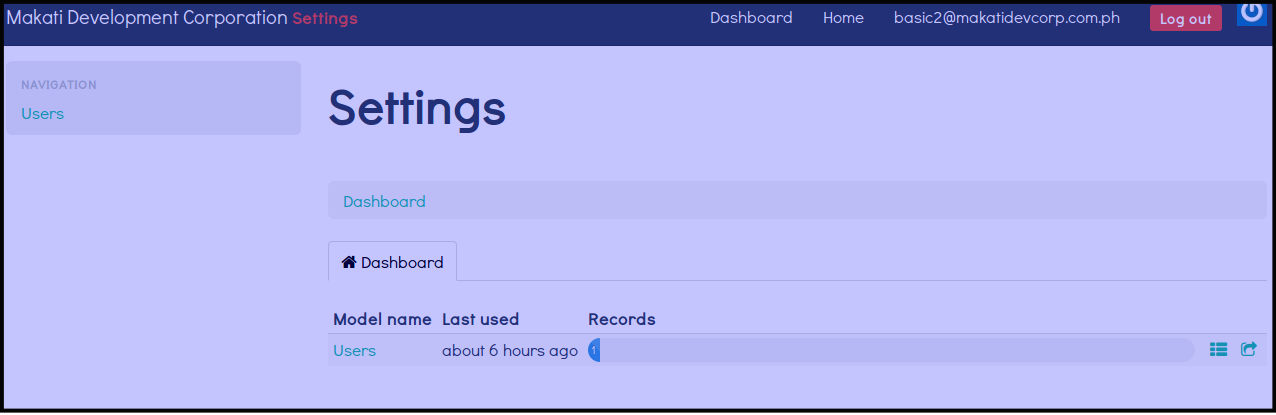
You will see this dashboard as shown below. The dash will give you information on how long you are logged in on the system.
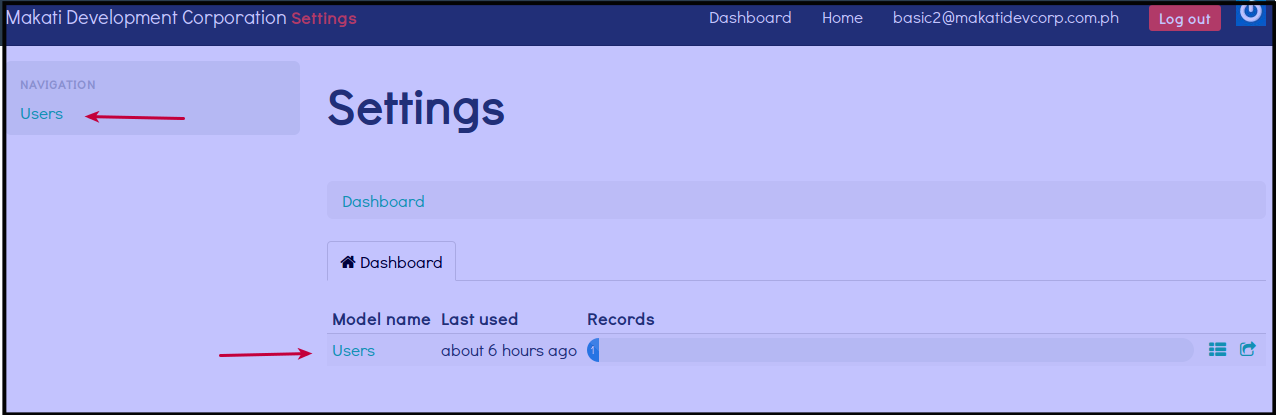
Click Users.
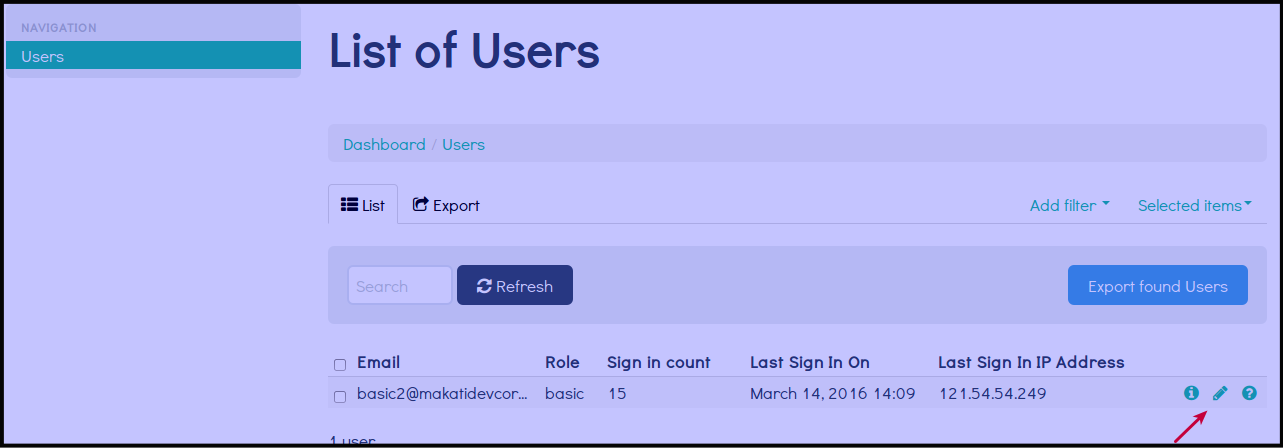
Click Pencil Icon
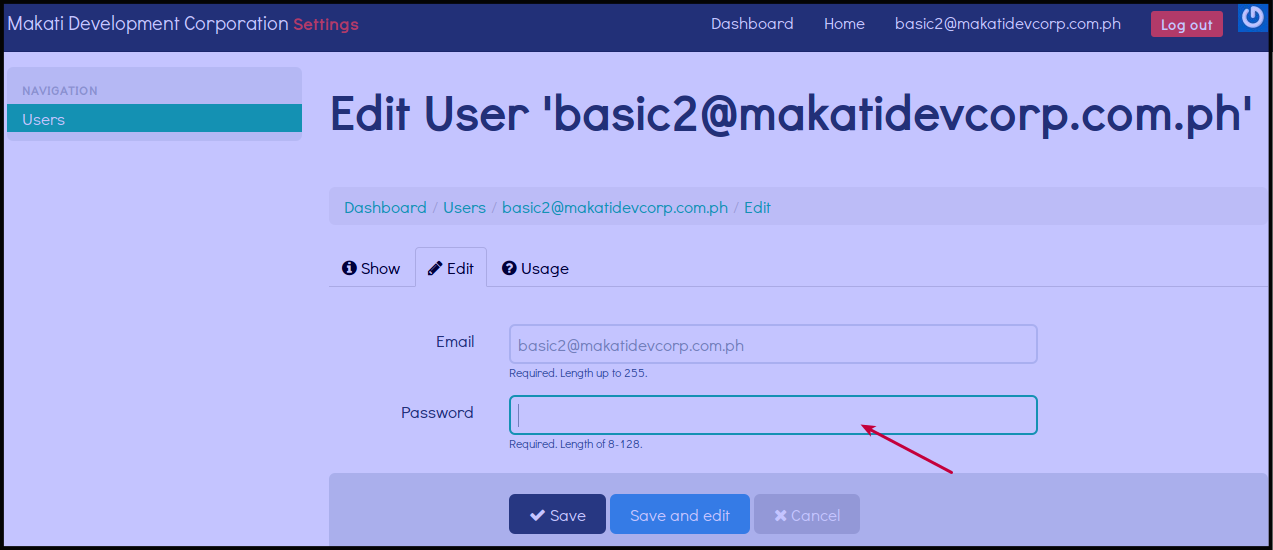
Change your own password by filling out Password with your new password.
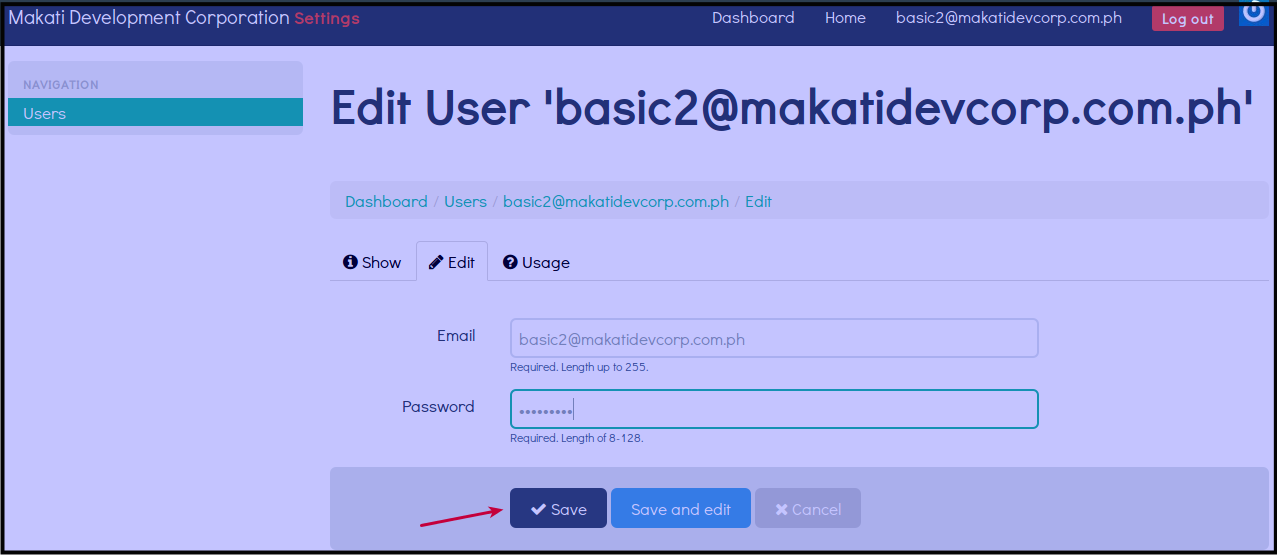
Click Save to save your new password.
You will be immediately logged out of the system after changing your own password. You will see the image below.
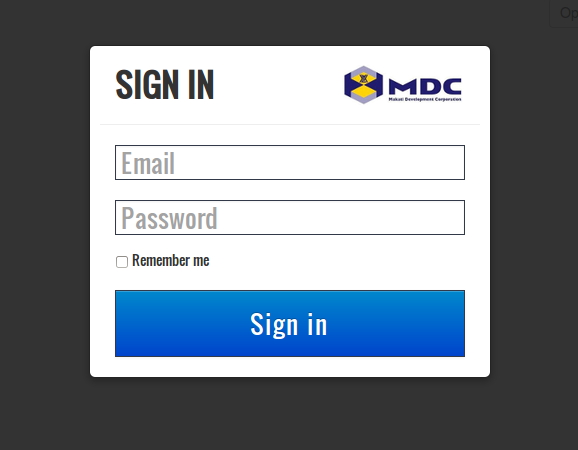
Log in using your new password.