Types of User Role Access
There are several types of user access using MDC Web GIS.
- Basic Users
- Privilege Users
- Admin Users
Basic Users
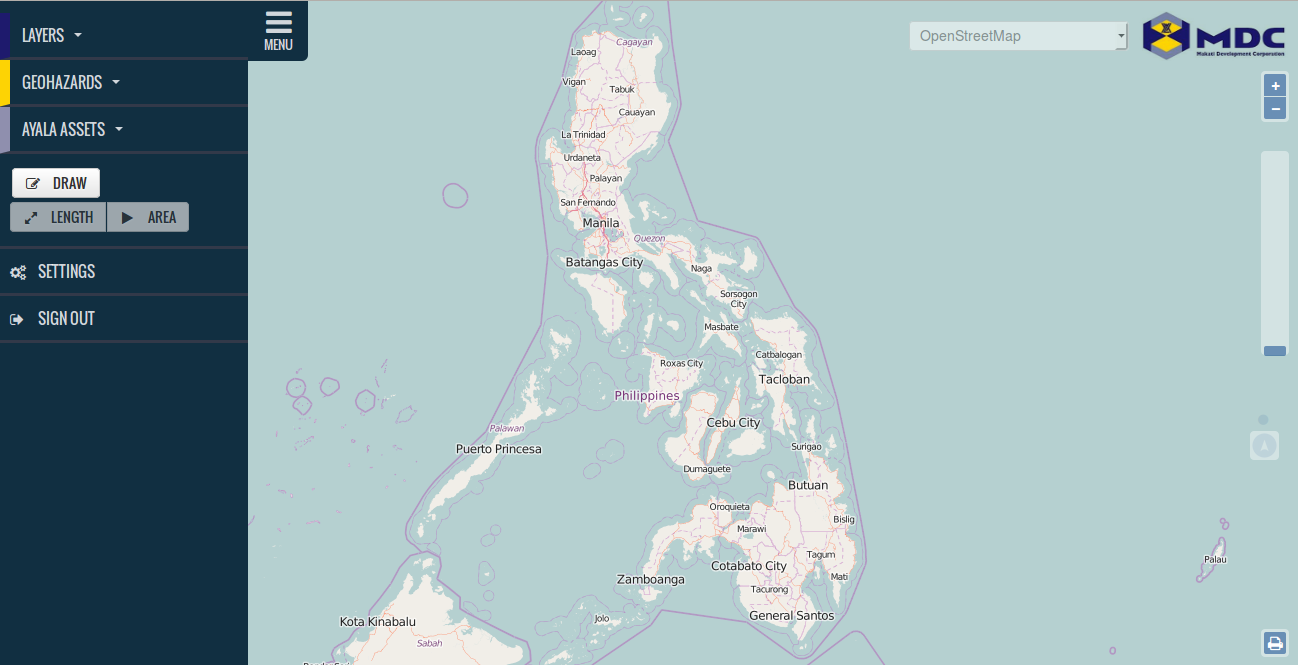
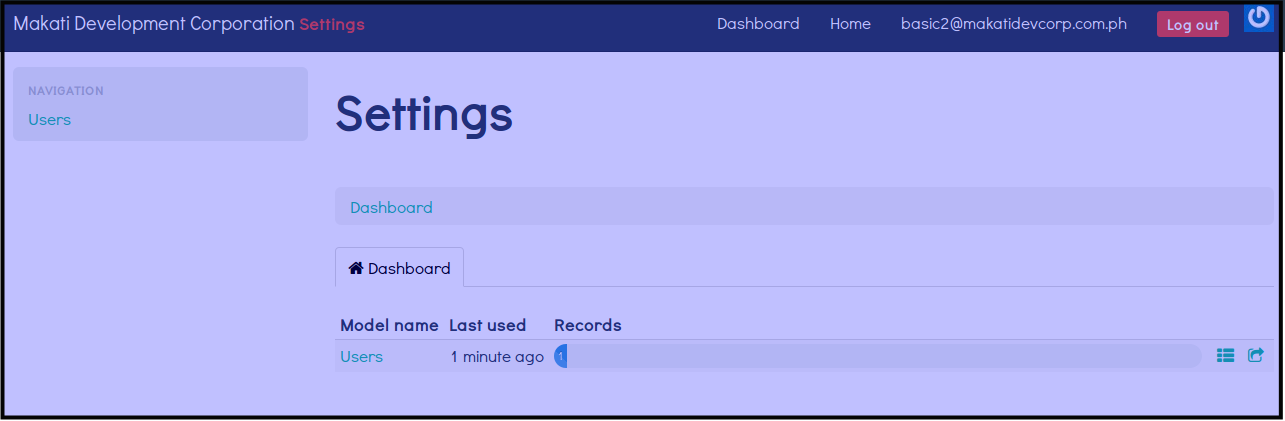
Basic Users can access the following features on the web:
- Maps
- Layers
- GeoHazards
- Ayala Assests
- Length and Area Measurements
- Password Reset
- Save and Print Files
- Maps Showing Area and Perimeter
See Images below
Privilege Users
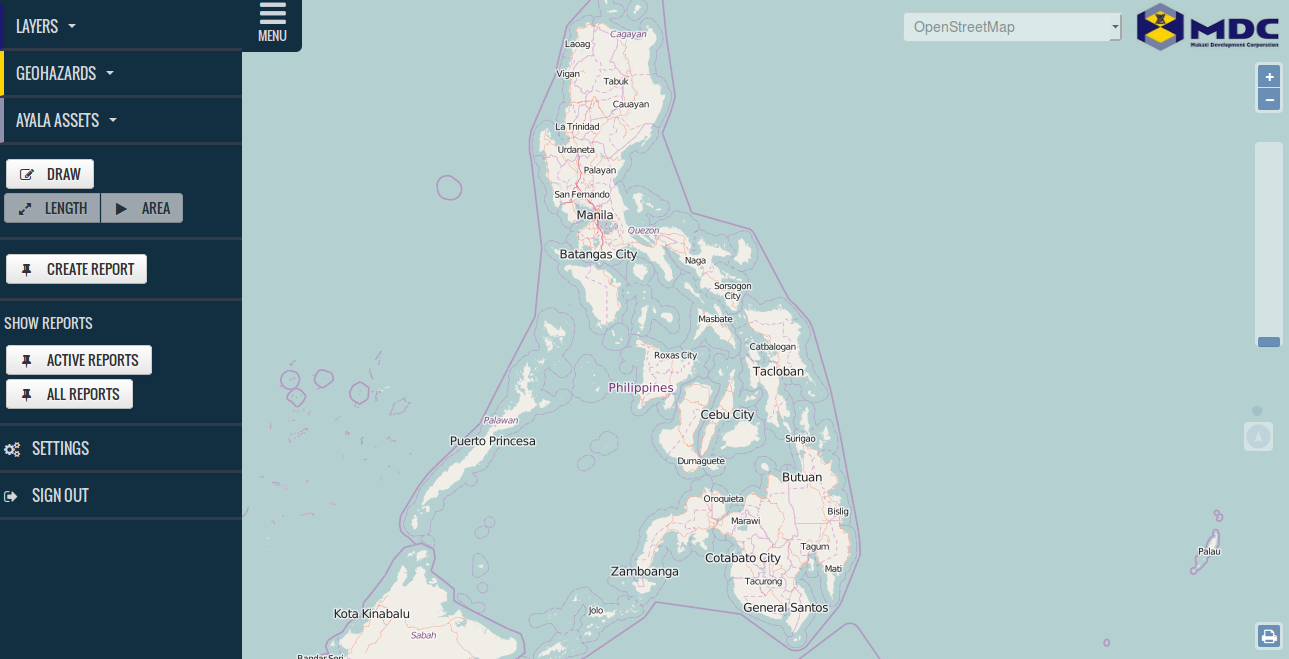
Privilege Users can access the following features on the web:
- Maps
- Layers
- GeoHazards
- Ayala Assests
- Length and Area Measurements
- Password Reset
- Save and Print Files
- Maps Showing Area and Perimeter
- Save KML and PDF Files
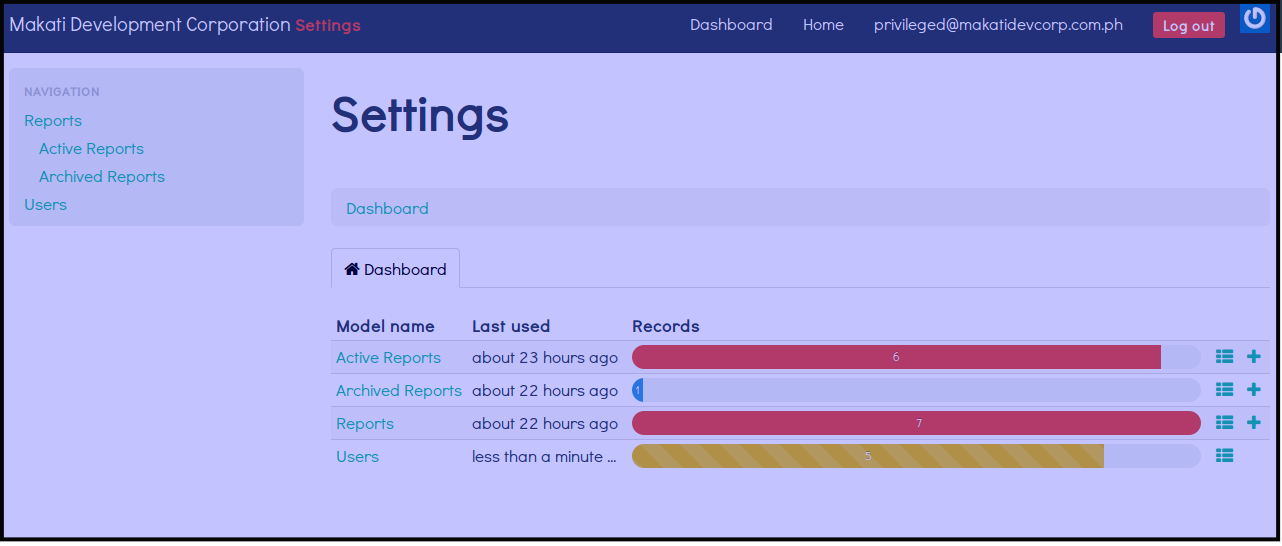
- Reports
- List of Users
See Images below
Admin Users
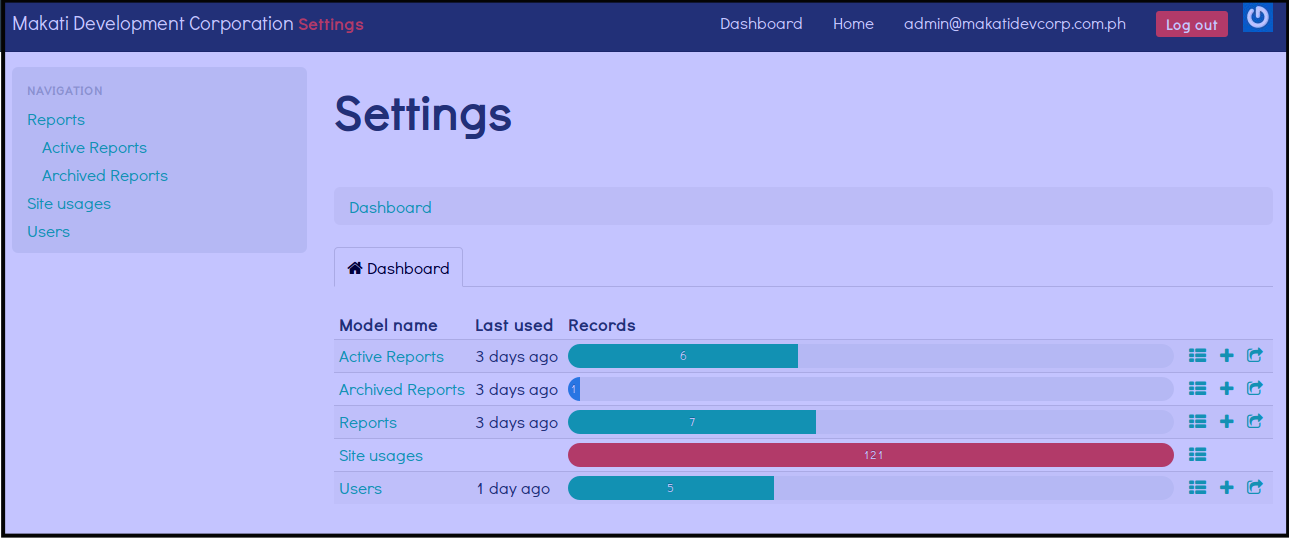
Admin Users can access the following features on the web:
- Maps
- Layers
- GeoHazards
- Ayala Assests
- Length and Area Measurements
- Password Reset
- Save and Print Files
- Maps Showing Area and Perimeter
- Save KML and PDF Files
- Reports
- List of Users
- Manage Users
- Site Usage
See Images below