How to Save files and Print
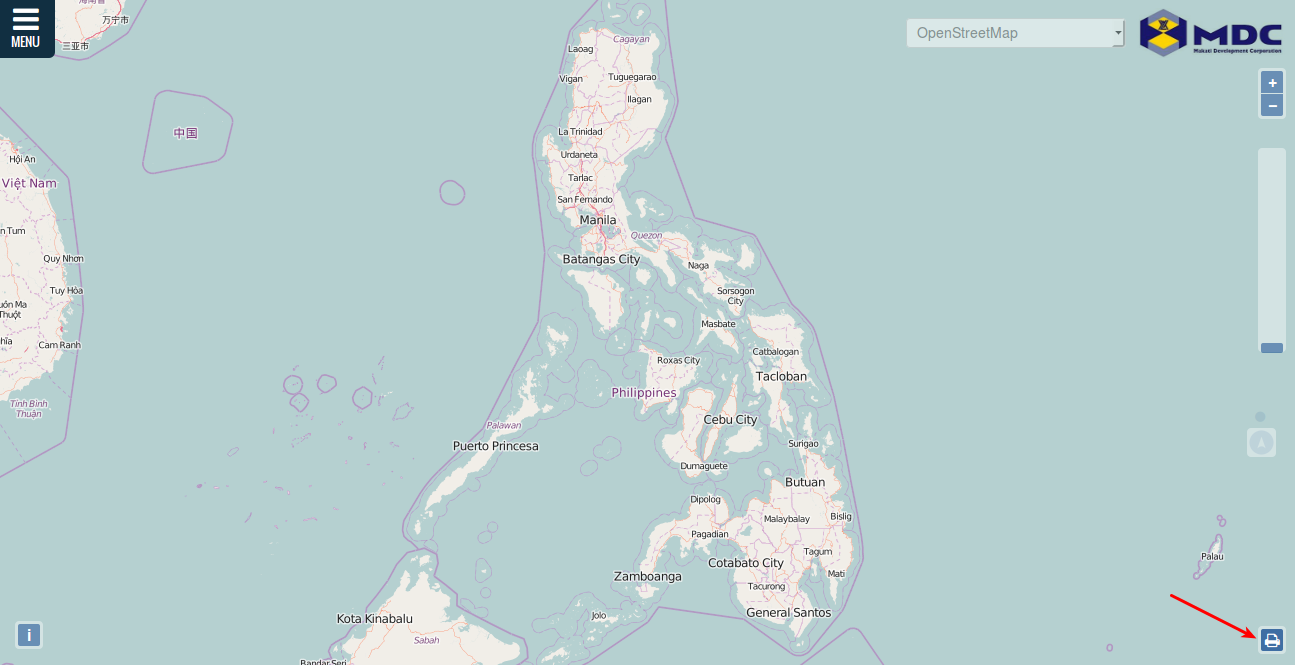
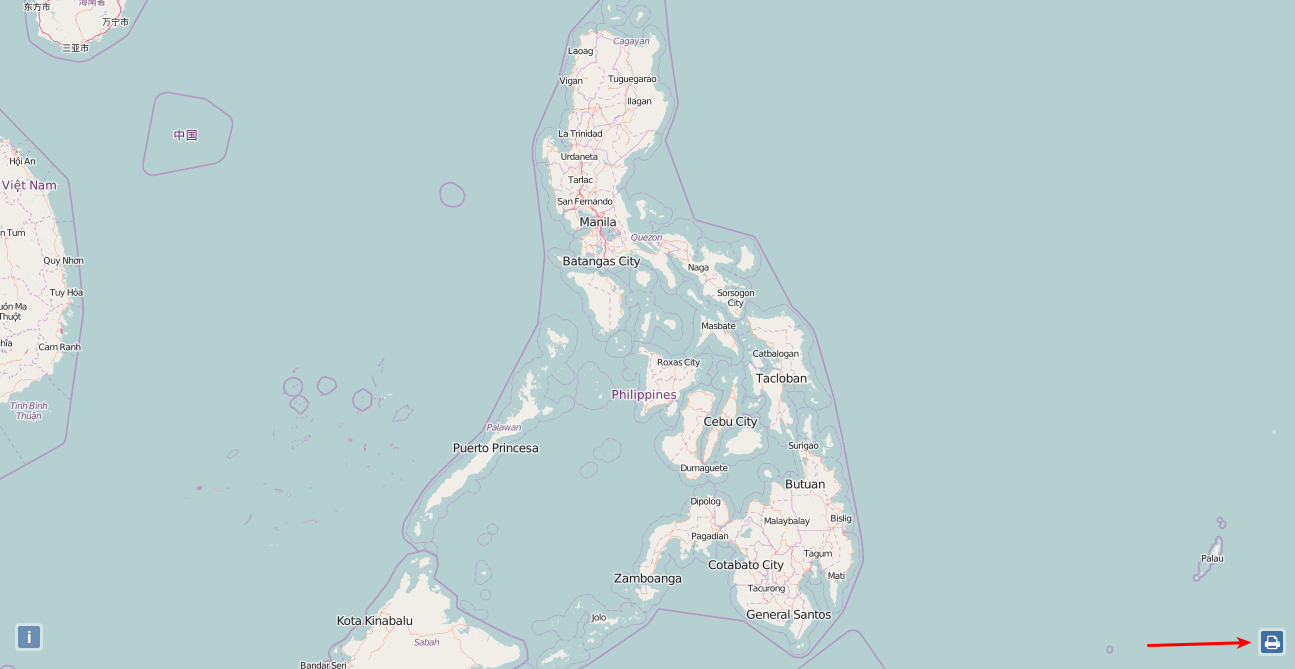
Click Print icon at the lower right corner of the screen.
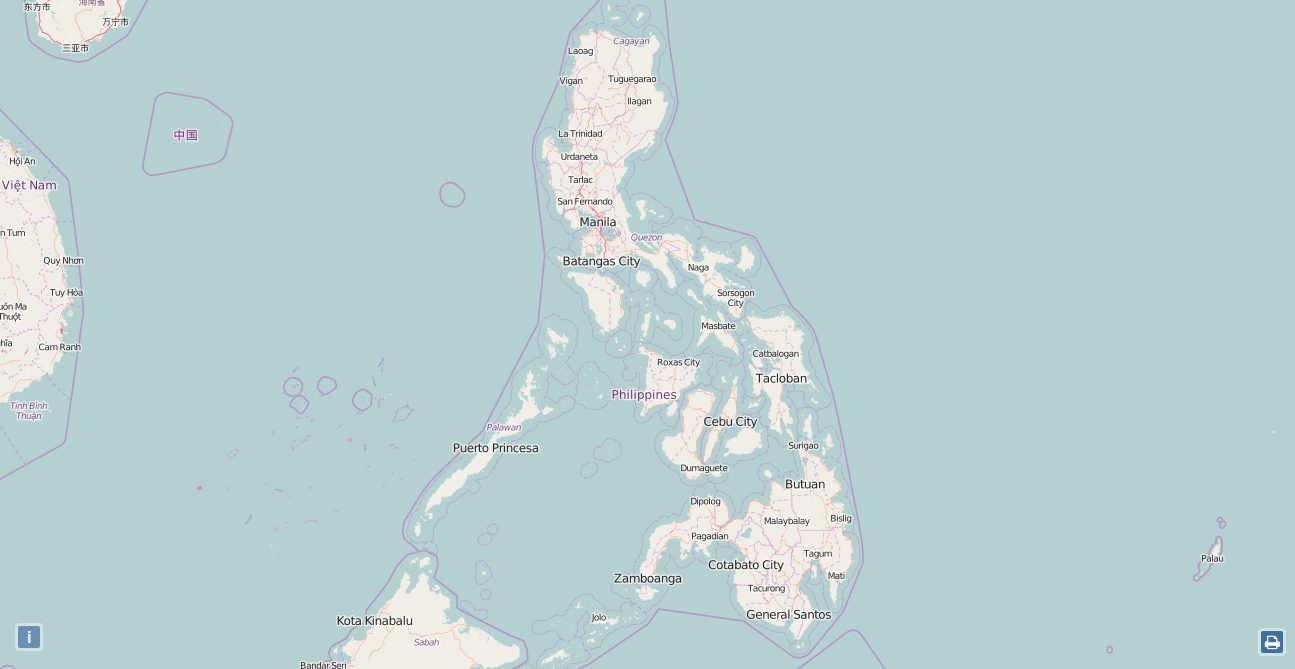
You will see screen like below.
Press Ctrl P
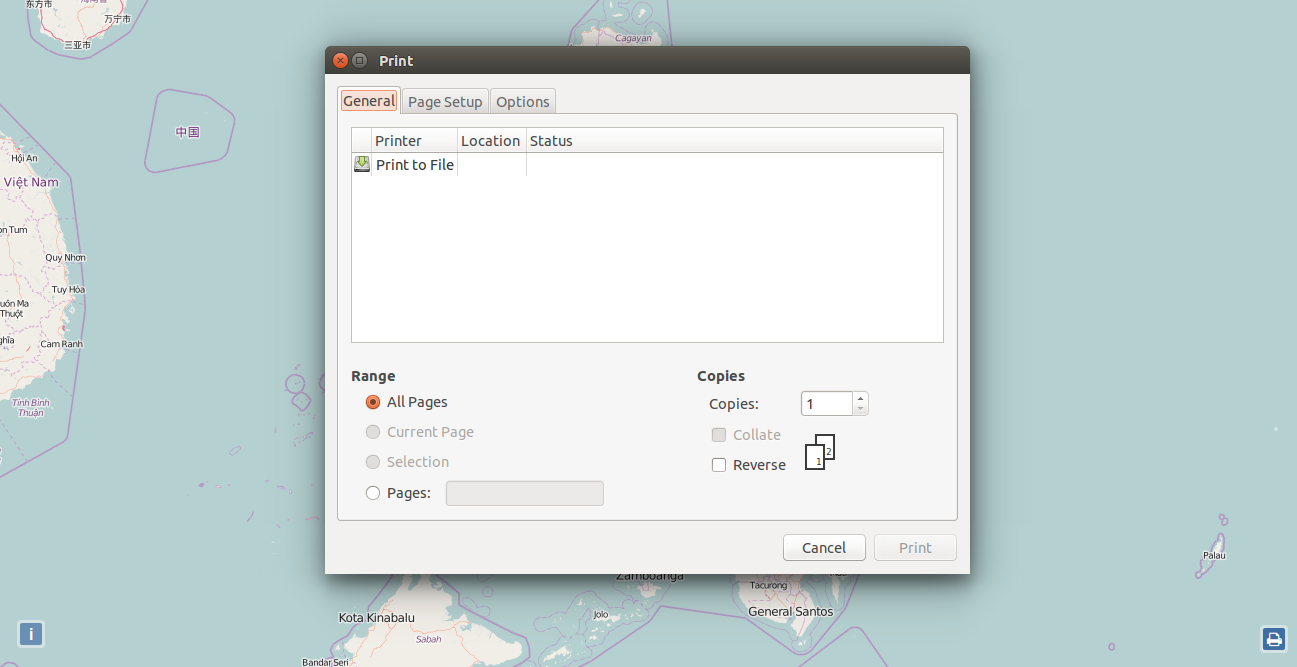
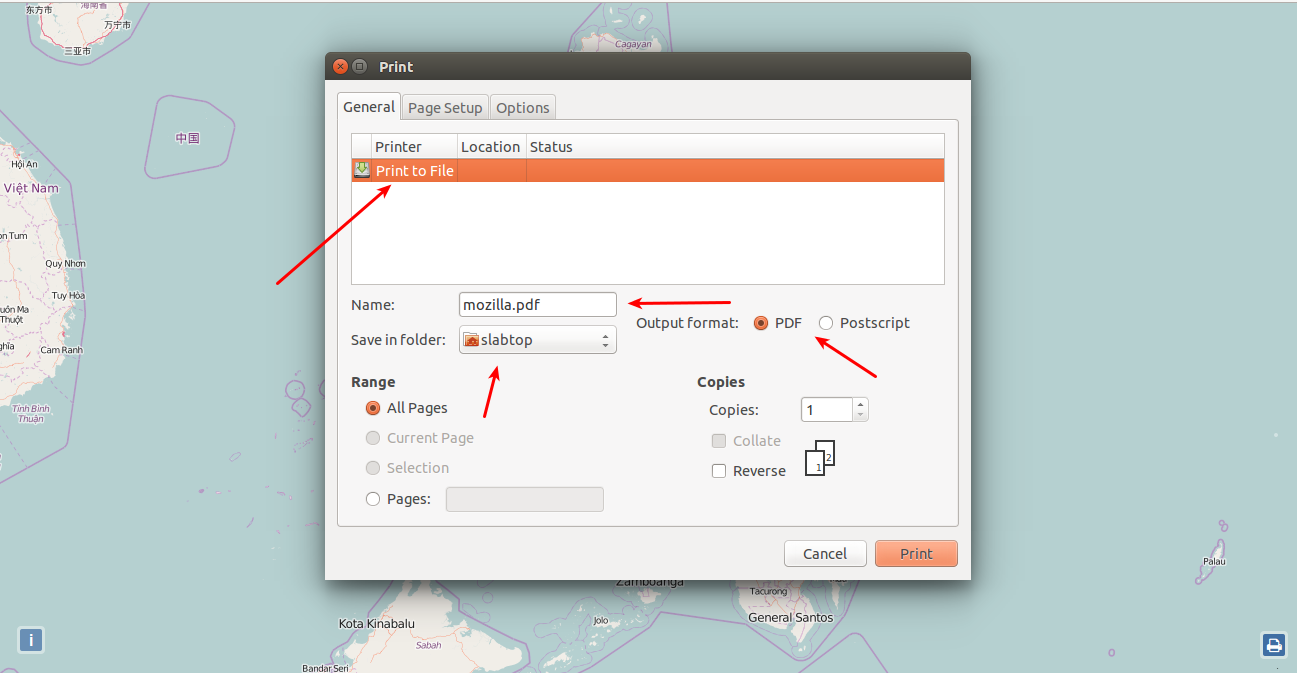
Click Print to File. You can change the file name by changing Name, folder it will be at by browsing where in Save in Folder, Choose what file it will save as, either PDF file or Postscript file.
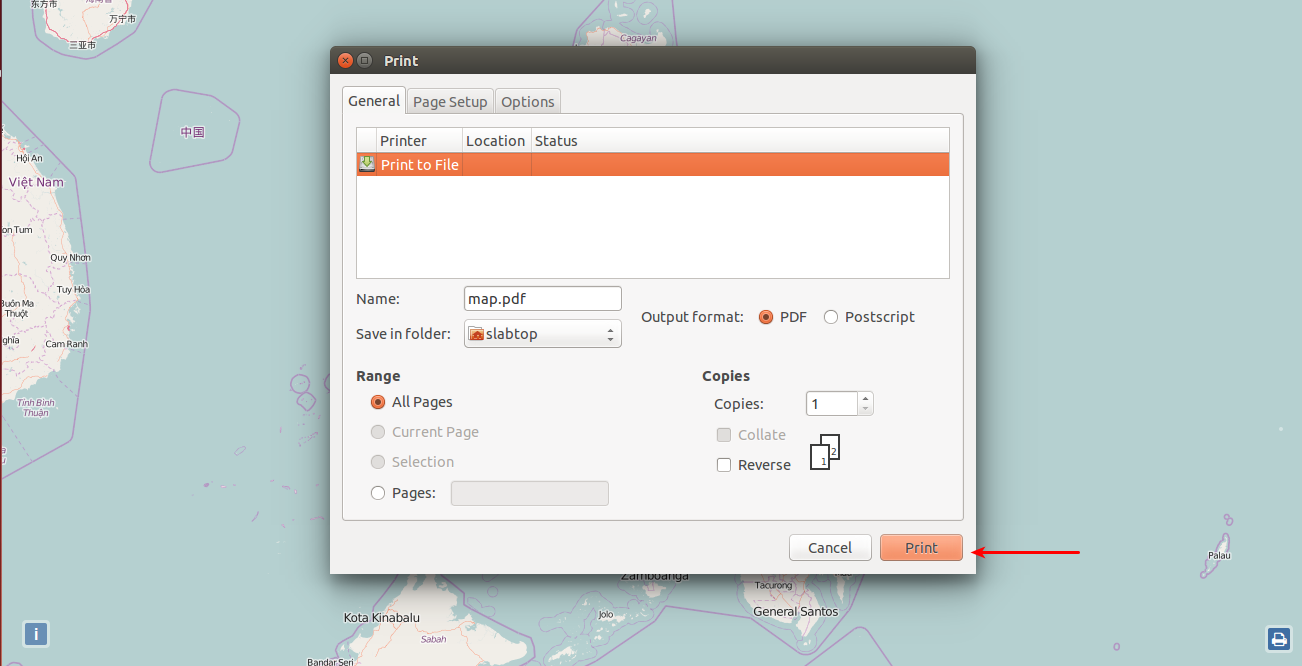
Click Print to save and print the file.
Click on Print Icon to go see menu and zoom bar back.
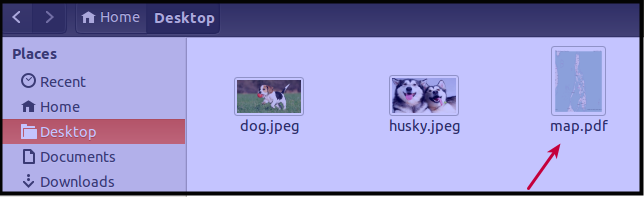
To access the saved file, go to the file path you save the file and open it.