KML and PDF files.
There are several files that can be saved within this site.
- KML files.
- PDF files on some special maps.
How to Save KML Files
Choose any Layers you want to save. Either Layers and or GeoHazards and or Ayala Assests you want to save KML file. You will see a KML file beside the zoom button. This file will appear for just few seconds, so you will need to look at it and click the file right away.
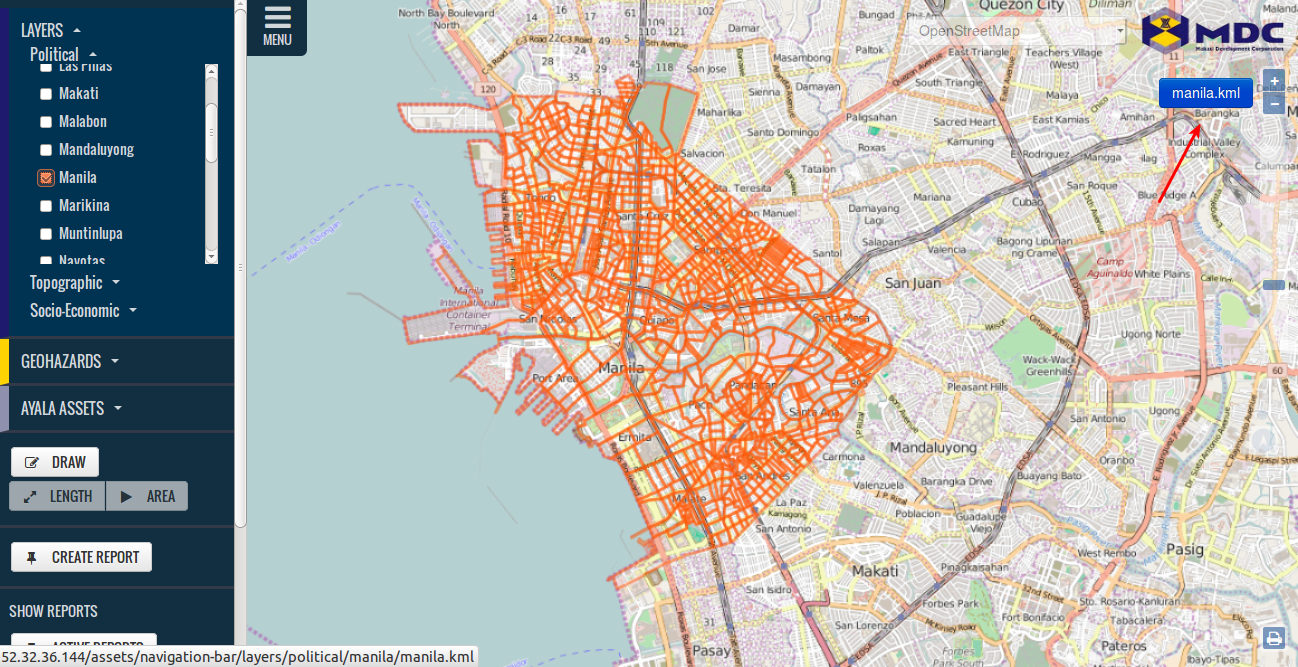
When you click the KML file, it will ask you to open or save the file.
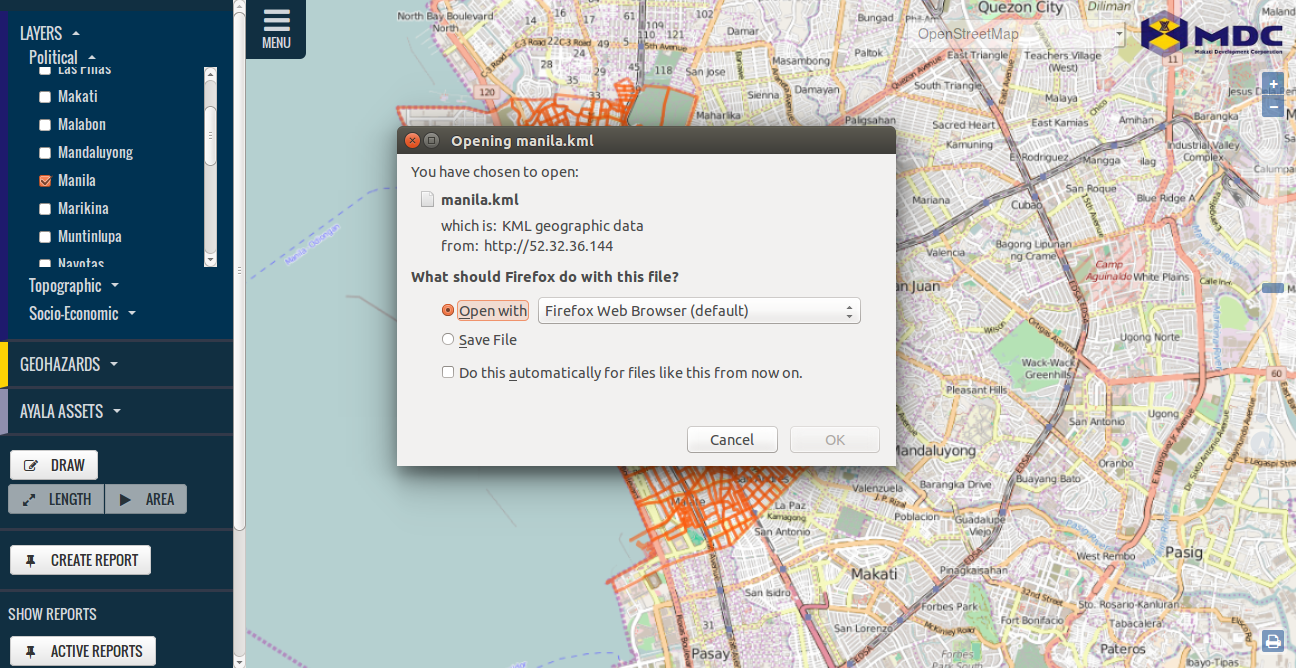
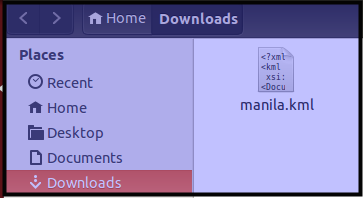
Click Save File
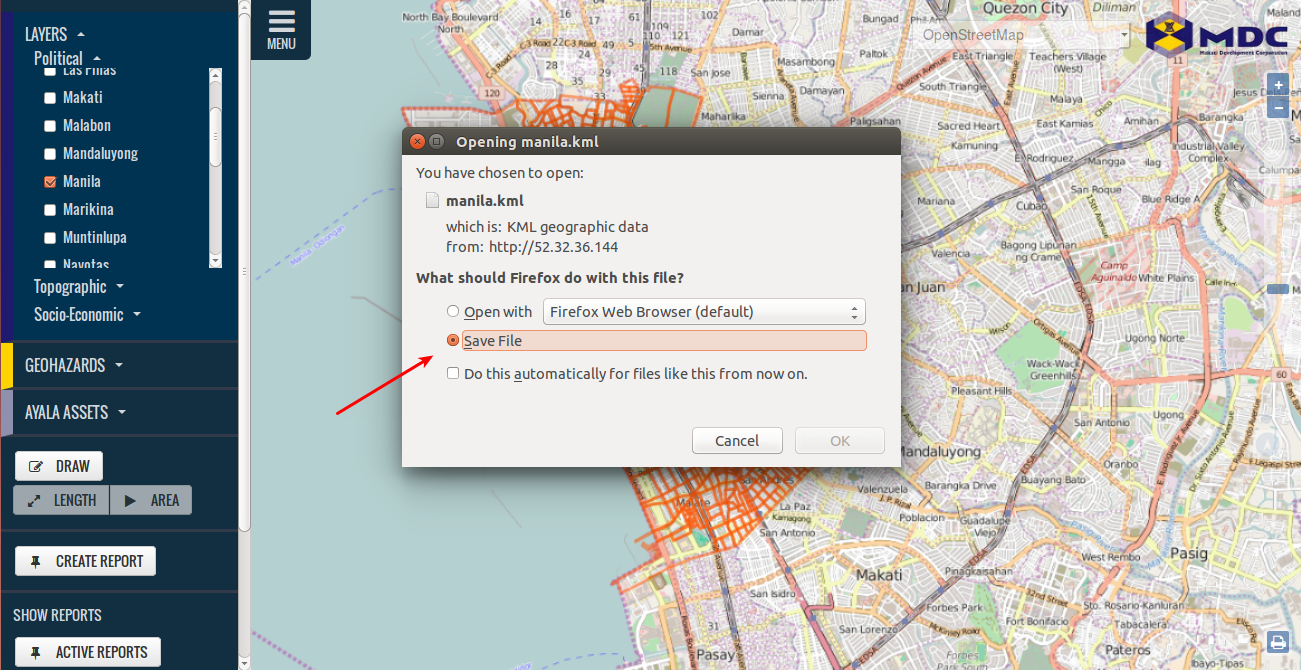
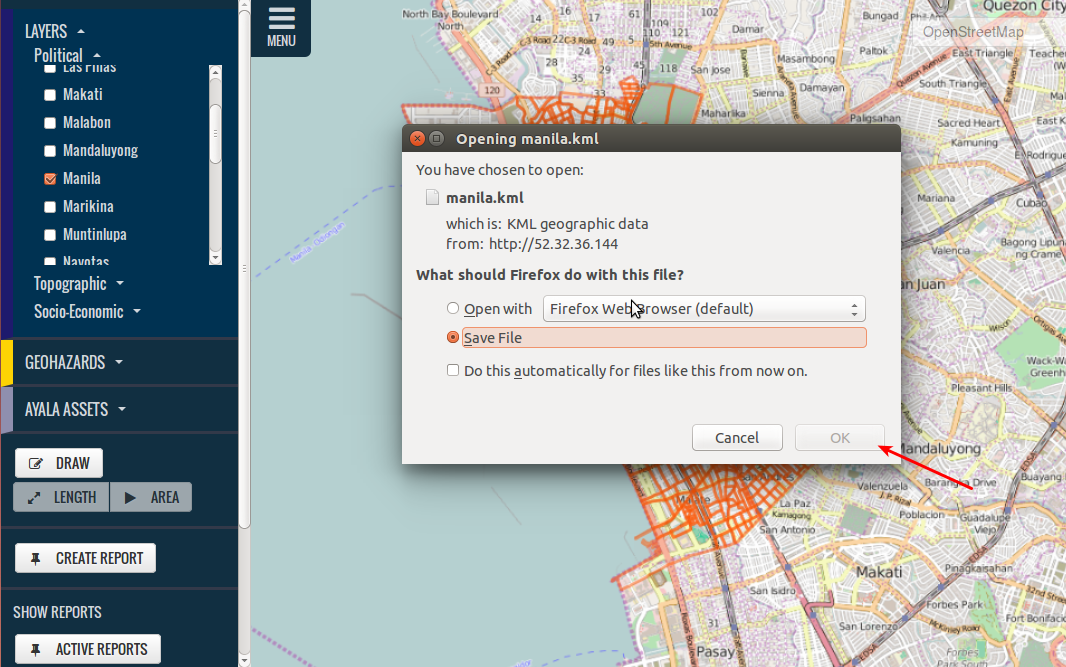
Click OK, to save file.
How to save PDF Files
There are several PDF files that can be found on Ayala Assests that we can save. Here are the steps on how to do save this.
Click on the PDF file that you will see on the map.

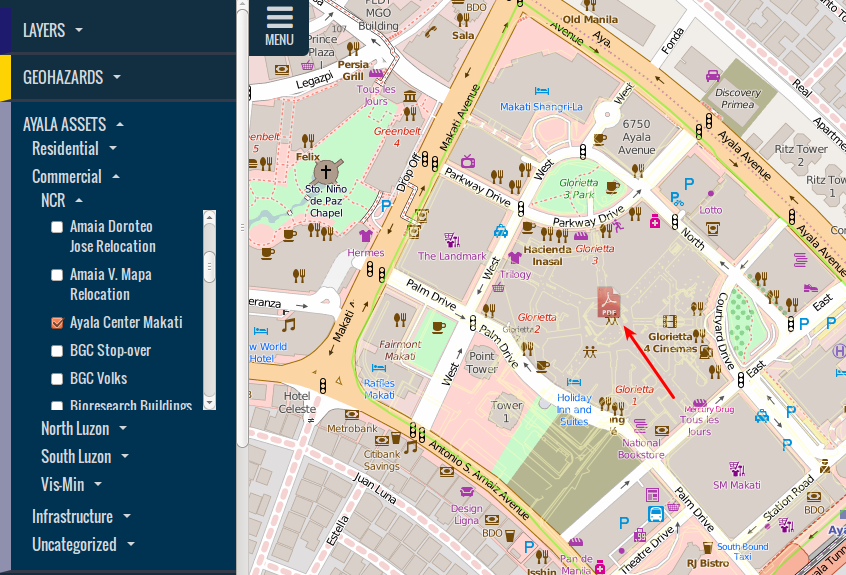
The PDF file will be open on a new tab or on your PDF file reader, make sure that you have a PDF reader to be able to open and save the PDF file.
When the PDF file loads up, you can now save it using your page browser or pdf file reader.