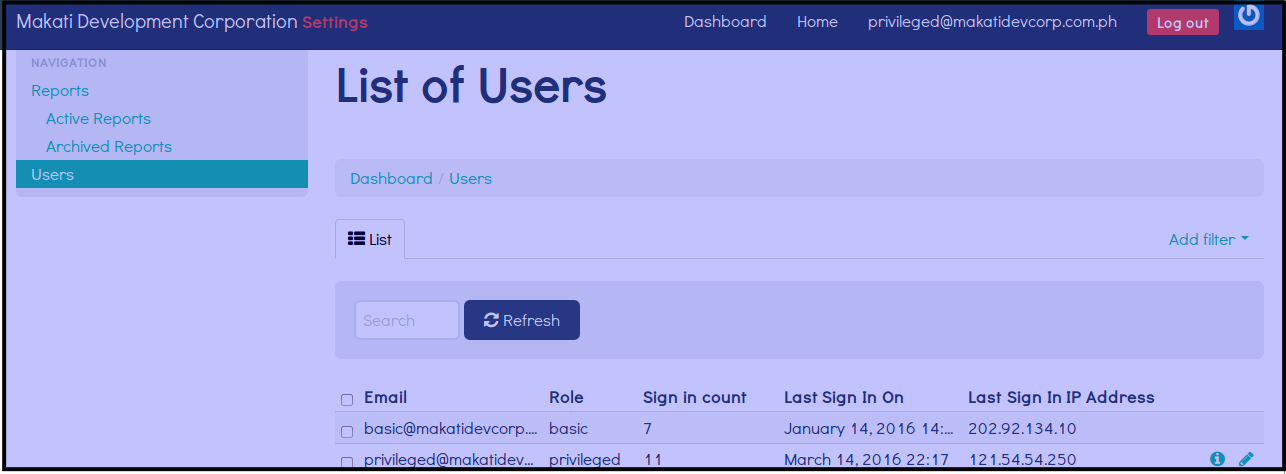
List of Users
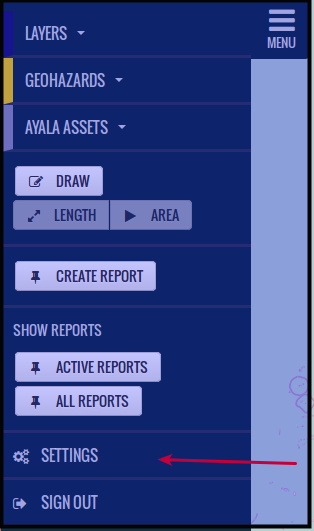
Click Settings
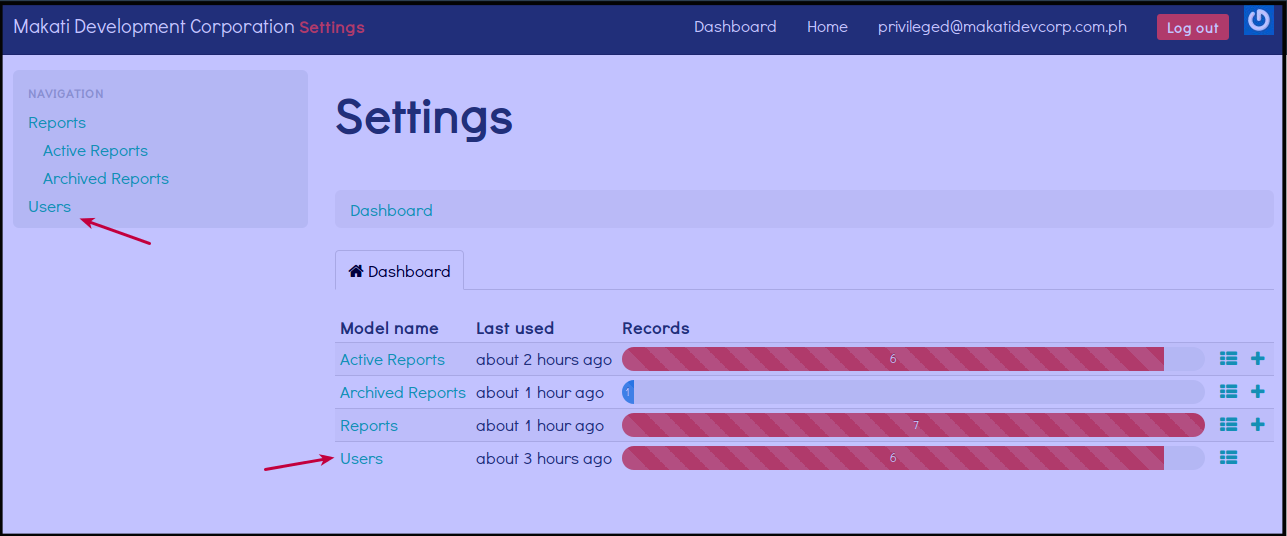
Click Users, You may click either of the two links for Users.
Here you will see the list of users, the access they have via role, number of times the user logs in, date the user last sign in on and the IP Address the user used.