Measuring Length
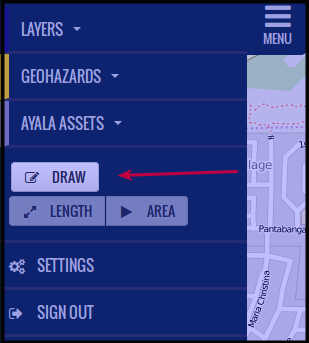
Click Draw
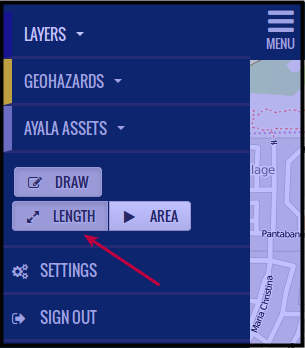
Click Length,
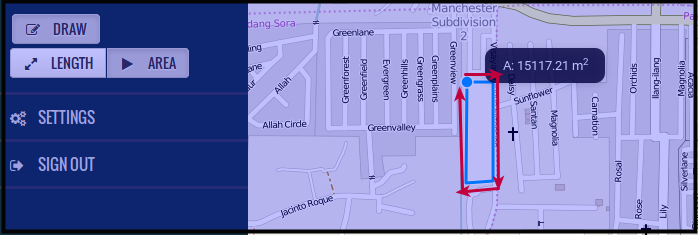
Click on the map where you want to draw the line to be measured. You can draw straight lines in any orientations you want. Just remember to drag the mouse where you want the line to end. Left click to stop. See picture below, the end point is where you can see the blue marker. The distance can be seen beside the blue marker, measured in meters or kilometers.

Measuring Area
Click Draw
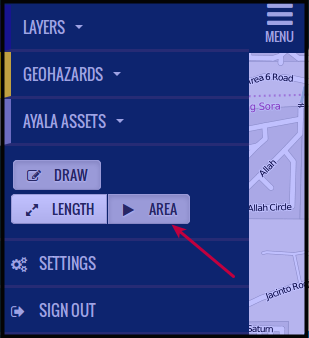
Click Area,
Click on the map where you want to draw the line to be measured, you can draw straight lines in any orientations you want. Just remember to drag the mouse where you want the line to end. Left click to complete the line then just continue to draw until you measure the area you want to measure. See picture below, the end point is where you can see the blue marker.